The real app
Parental control for iPhone
Skydo shows your child's location live, tells you the moment they arrive at school, and blocks the apps and websites you choose — enforced by Apple's own Screen Time. All from your own phone.
Free to download. Skydo Premium switches protection on — one subscription on your phone covers your child's phone too.
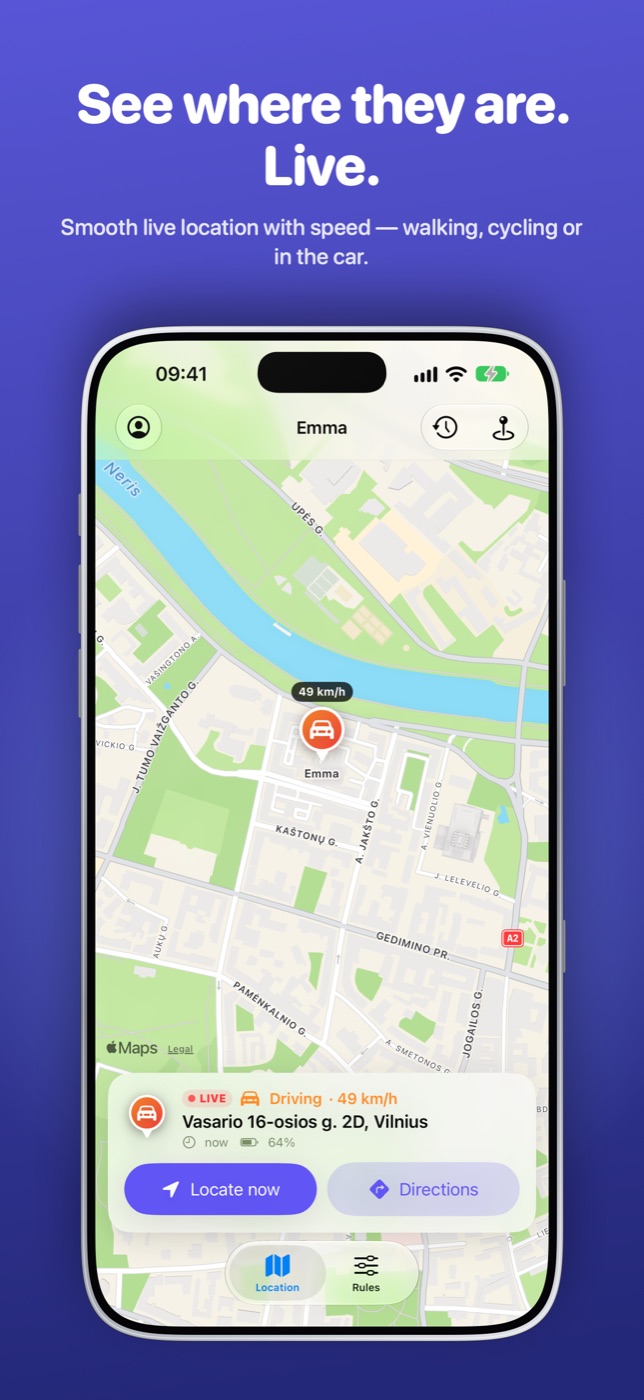
Watch their position update smoothly while they move — walking or in a car, with their speed.
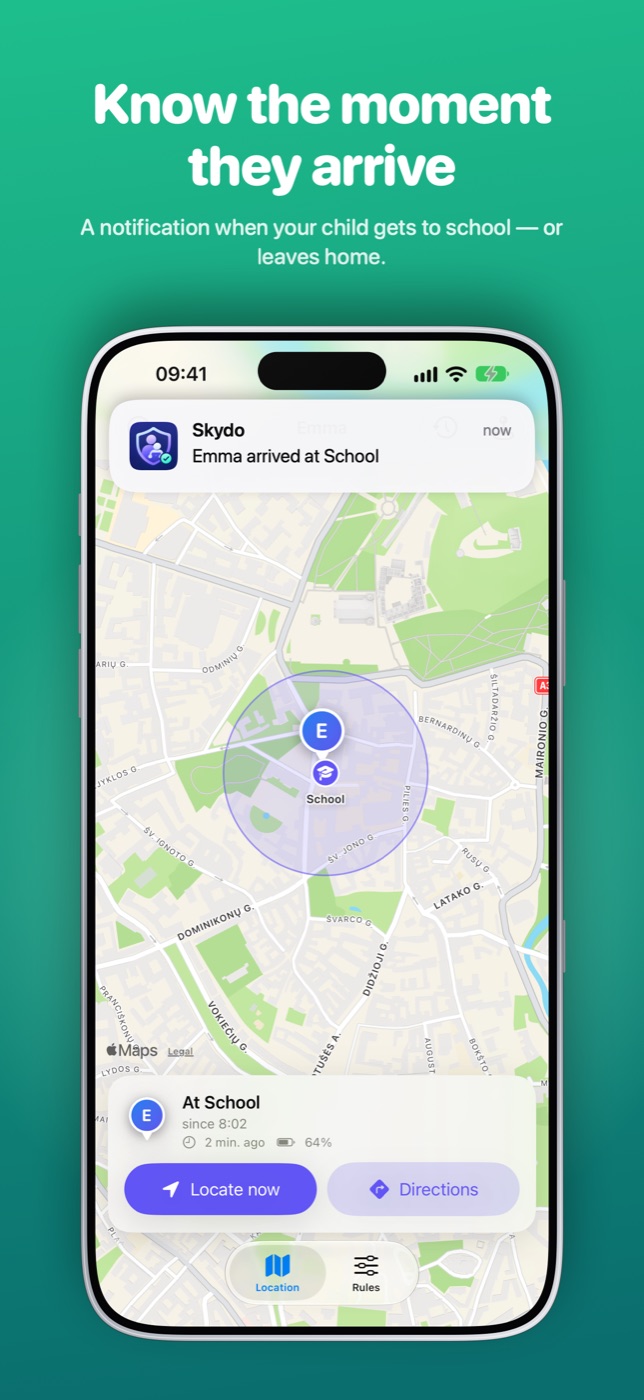
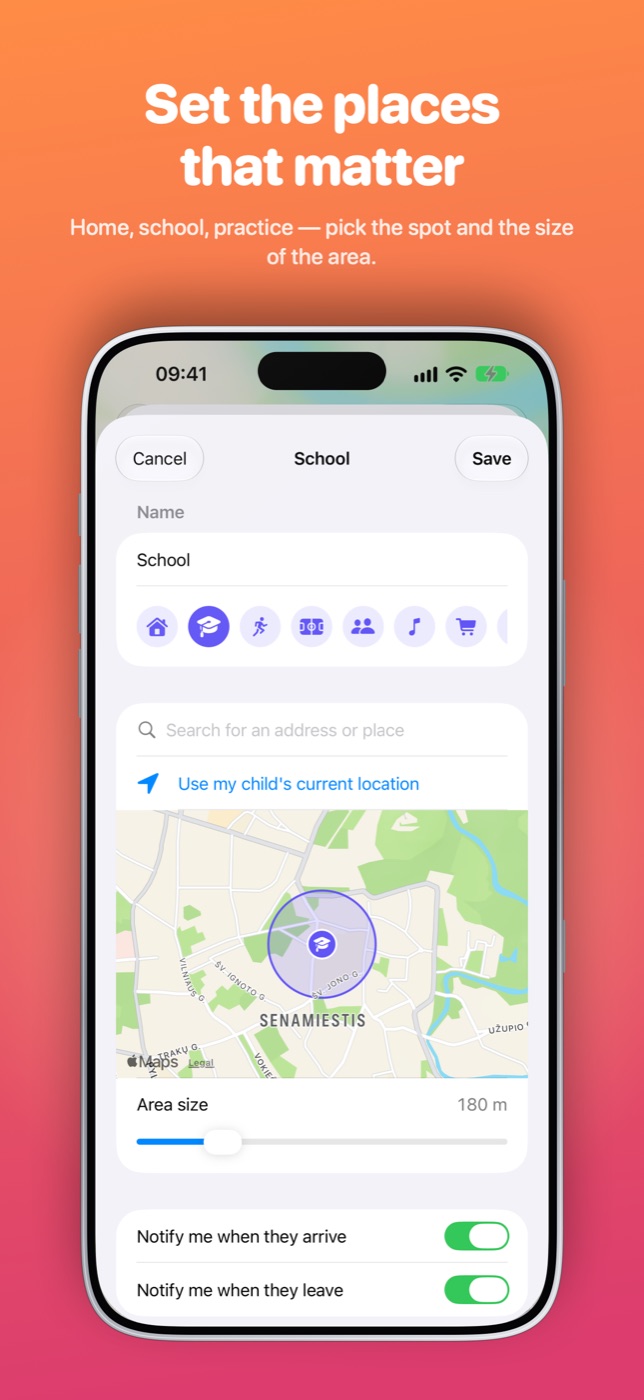
Add home, school or practice and get a notification the moment they arrive or leave.
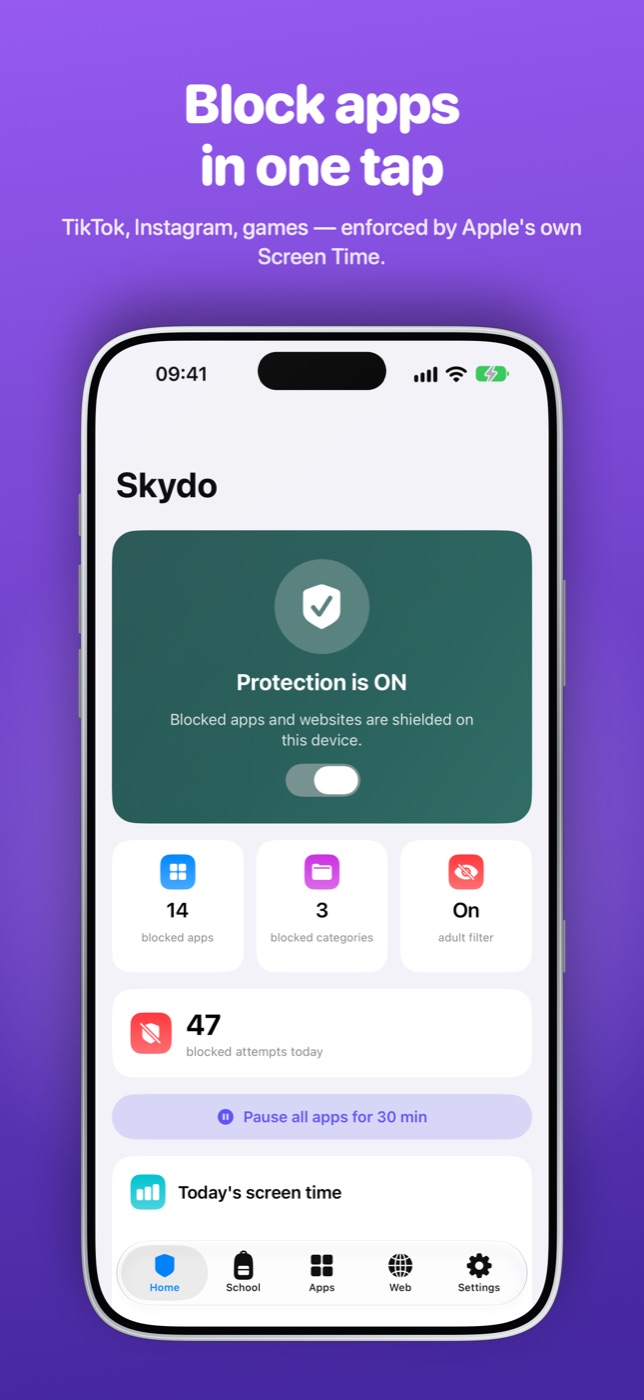
TikTok, Instagram, games — or whole categories. Blocked apps simply don't open.
Pornographic and harmful sites are filtered out of Safari and search.
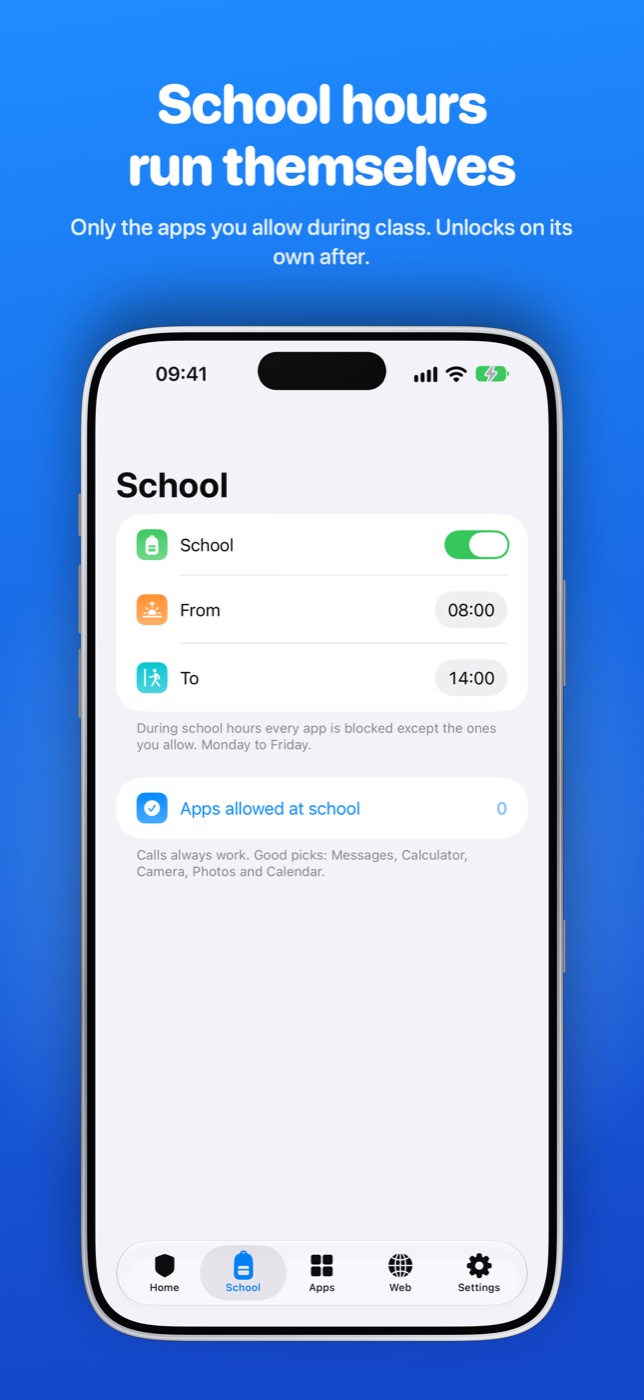
Only the apps you allow during school hours. It switches on and off by itself.
Phones go quiet at night and stop at the daily limit you set.
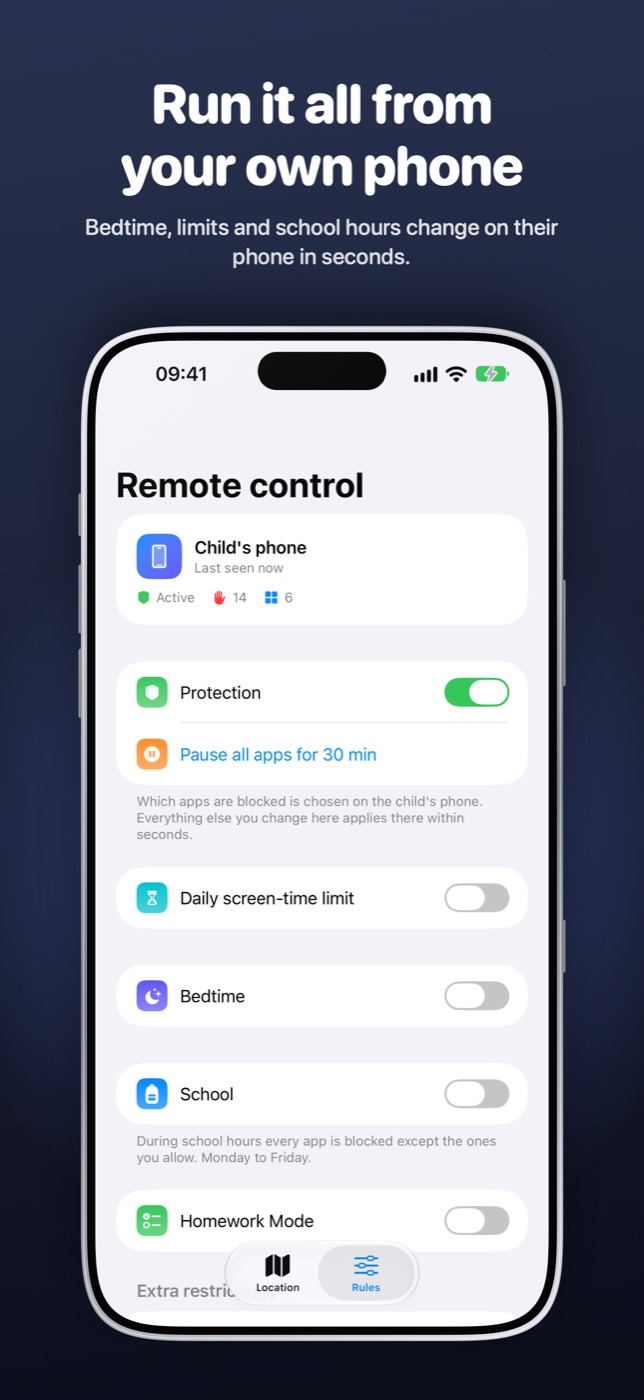
Pair once with a code. Change bedtime, limits or pause everything from anywhere.
Location is end-to-end encrypted between your two phones. No ads, no data selling.
No. Skydo is built on Apple's Screen Time technology and works on iPhone only — both your phone and your child's.
No. You pair the two phones once with a code. No accounts, no Family Sharing setup required.
You can block deleting and installing apps and lock Skydo's settings with a parent PIN and Face ID. Location sharing is visible on the child's phone, by design.
Yes. It's end-to-end encrypted between your two phones — not even Skydo can see it — and is only used to show it to you.
Skydo is free to download. Protection needs Skydo Premium (monthly or yearly); the App Store shows the price in your currency. One subscription on your phone covers your child's phone too.